 English
 Français
 Deutsch
 Español
 Italiano
 Русский
 Português
 العربية
 Türkçe
 Magyar
 Svenska
 Nederlands
 Ελληνικά
 Български
 Polski
 Gaeilge
 Dansk
Dansk Lietuvių kalba
 Suomi
Suomi Hrvatski
 Română
 Latviešu valoda
 Korean
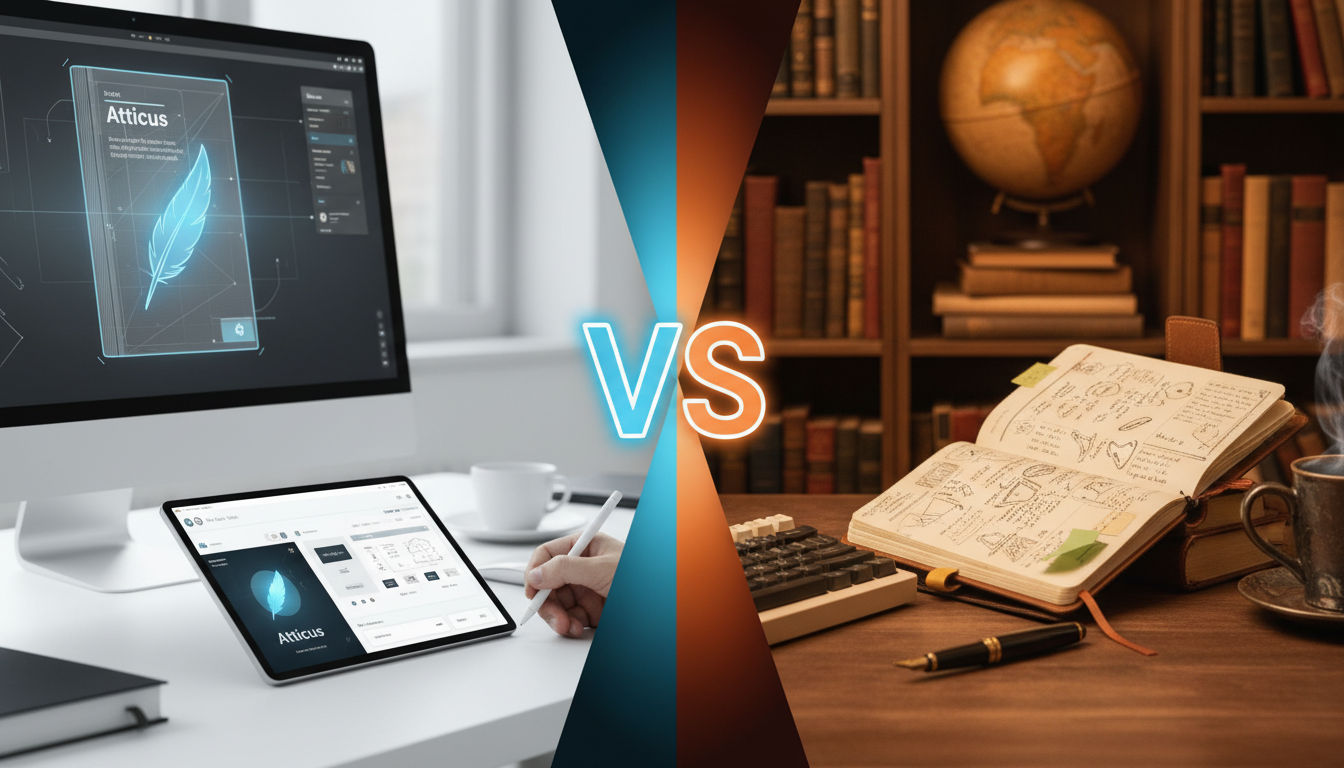
The Ultimate Showdown: Atticus vs Scrivener in 2026
Direct Answer: When comparing Atticus vs Scrivener in 2026, the best choice depends entirely on your specific self-publishing workflow. Atticus excels as an intuitive, cloud-based word processor and premium book formatting software, ideal for indie authors who want a seamless, WYSIWYG (What You See Is What You Get) experience to create beautiful EPUBs and print-ready PDFs. Conversely, Scrivener remains the undisputed champion for complex manuscript drafting, deep worldbuilding, and non-linear organization, offering unparalleled control for structural editing and research management.
The self-publishing landscape has evolved dramatically over the last decade. Today, authors demand writing environments that not only facilitate the creative process but also streamline the technical hurdles of book design and distribution. Choosing the right manuscript software is no longer just about typing words on a screen; it is about establishing a sustainable, professional production pipeline. In this comprehensive guide, we will dissect every feature, learning curve, and export capability of both platforms to help you make an informed decision for your author career.
The 2026 Landscape of Writing and Formatting Software
Before diving into the granular details, it is crucial to understand the semantic shift in how authors approach book creation. Historically, writers drafted in Microsoft Word and paid expensive designers to format their books for Kindle Direct Publishing (KDP) or IngramSpark. Then came specialized tools aimed at indie authors.
By 2026, the expectation is that software should handle multiple stages of the publishing journey. We are looking at tools that manage front matter, back matter, chapter headers, scene breaks, and cross-platform syncing without corrupting files. The debate between Atticus and Scrivener is fundamentally a debate between an all-in-one streamlined solution versus a highly modular, complex drafting powerhouse. Both have solidified their places in the market, but they serve vastly different philosophical approaches to writing.
Atticus: The All-in-One Cloud Powerhouse
Launched as the ultimate “Vellum alternative for PC and Mac,” Atticus has matured into a formidable hybrid tool. Created by Dave Chesson and the team at Kindlepreneur, it was designed to bridge the gap between a distraction-free word processor and a professional book formatting software.
Core Philosophy: Simplicity and Beauty
Atticus operates on the principle that authors should not need a degree in graphic design or computer science to publish a beautiful book. The interface is remarkably clean, modern, and intuitive. It functions as a Progressive Web App (PWA), meaning it runs in your browser but can be installed locally to work offline, syncing seamlessly to the cloud the moment you reconnect.
Standout Features for Modern Authors
- WYSIWYG Formatting: What you see on the screen is exactly how your book will look on a Kindle, iPad, or in paperback. You can preview your book across dozens of simulated devices instantly.
- Custom Theme Builder: Atticus comes pre-loaded with stunning chapter themes, but the custom theme builder allows you to upload your own ornamental breaks, full-bleed images, and unique typography, giving you total control over the aesthetic.
- Goal Tracking and Gamification: Built-in writing timers, word count goals, and habit trackers appeal to authors participating in events like NaNoWriMo or those maintaining a rapid release schedule.
- Seamless Reusable Elements: Setting up universal front and back matter (like “Also by this Author” pages) is effortless. Update it once, and it can be applied across your entire series.
Scrivener: The Ultimate Manuscript Sandbox
Developed by Literature and Latte, Scrivener has been the gold standard for novelists, screenwriters, and academics for nearly two decades. While it has received significant updates by 2026 to modernize its interface, its core identity remains unchanged: it is a robust, complex sandbox designed for heavy lifting.
Core Philosophy: Total Organizational Control
Scrivener assumes that writing a book is a messy, non-linear process. It does not force you to write from chapter one to the epilogue. Instead, it breaks your manuscript down into manageable chunks (scenes, concepts, or chapters) that you can drag, drop, color-code, and rearrange at will.
Standout Features for Deep Worldbuilding
- The Binder: This is the heart of Scrivener. It is a hierarchical sidebar that holds your manuscript, research files, character sheets, web pages, and images all in one project file.
- The Corkboard and Outliner: Visual thinkers can view their scenes as index cards pinned to a virtual corkboard, while analytical writers can use the outliner to track word counts, metadata, and custom tags for each scene.
- Split-Screen Editing: You can view your research or character notes in one panel while actively drafting your scene in the other, eliminating the need to toggle between different applications.
- Snapshots: Before rewriting a scene, you can take a “Snapshot” of it. If you hate your new draft, you can revert to the previous version with a single click.
Head-to-Head Feature Showdown
To provide a clear perspective on how these two titans compare, our experts have compiled a rigorous side-by-side analysis based on extensive beta testing and daily author workflows.
| Feature Category | Atticus | Scrivener |
|---|---|---|
| Primary Use Case | Drafting & Professional Formatting | Deep Outlining & Complex Drafting |
| Platform Availability | Mac, PC, Linux, Chromebook (Cloud/PWA) | Mac, PC, iOS (Desktop/Mobile App) |
| Learning Curve | Very Low (Intuitive) | High (Requires tutorials) |
| Formatting Capabilities | Exceptional (One-click themes, beautiful exports) | Functional but highly complex (The Compile feature) |
| Research Management | Basic (Notes section) | Unrivaled (Import PDFs, images, web pages) |
| Cloud Syncing | Automatic (Built-in cloud database) | Manual/Third-Party (Requires Dropbox) |
| Pricing Model | One-time fee (Includes all future updates) | One-time fee (Per major version/platform) |
Drafting and Organization: The Scrivener Advantage
When it comes to the actual act of writing a complex novel, Scrivener is unmatched. If you are writing an epic fantasy with multiple point-of-view characters, intricate magic systems, and sprawling timelines, Scrivener’s organizational tools are a lifesaver. You can create custom metadata to track which character’s POV a scene is written in, or what day of the week a plot point occurs.
Atticus, while highly capable for linear drafting, lacks this depth. Its navigation pane is straightforward—you have chapters and sub-chapters. It is perfect for pantsers (those who write by the seat of their pants) or authors writing straightforward romance, thrillers, or non-fiction, but it may feel restrictive to heavy plotters.
Formatting and Exporting: The Atticus Advantage
Exporting a book in Scrivener requires using the “Compile” feature. Historically, Compile has been the bane of many authors’ existence. While it is incredibly powerful—allowing you to tweak every margin, font, and line break—it is notoriously difficult to master. Getting a perfectly formatted EPUB 3 or print-ready PDF out of Scrivener often requires hours of trial and error.
Atticus completely obliterates this pain point. Formatting in Atticus is a joy. You select a theme, adjust your trim size (e.g., 5×8 or 6×9), pick your fonts, and click export. Within seconds, you have industry-standard files that look like they were designed by a professional typography house. For authors who want to publish quickly and beautifully without technical headaches, Atticus is the clear winner.
Cross-Platform Compatibility and Syncing
In 2026, the ability to write seamlessly across devices is a baseline expectation. Here, the two programs take wildly different approaches.
Atticus relies on modern web technologies. Because it is a PWA, you log into your account on any device—a Windows desktop, a MacBook, or a Chromebook—and your manuscript is exactly where you left it. The syncing is automatic and handled on their secure servers. If you lose internet connection, you can keep writing; the software will cache your progress and sync it the moment you are back online.
Scrivener is traditional desktop software. You buy a license for Mac, and if you want it on PC, you buy a separate license (though they offer bundles). To sync between devices, you must rely on third-party cloud storage, primarily Dropbox. While this system works, it is prone to user error. If you forget to close Scrivener on your desktop before opening it on your laptop, you risk creating conflicted copies and losing data. It requires a disciplined workflow.
Pricing Models: Subscription vs. Lifetime
In an era where every software seems to be moving to a predatory monthly subscription model, indie authors will be thrilled to know that both Atticus and Scrivener have held the line with one-time purchases.
Atticus costs a flat fee of $147. This includes the software, all current features, and a guarantee of all future updates. There are no hidden fees, and one license covers you across all platforms since it is account-based.
Scrivener is priced around $59.99 for a standard desktop license (Mac or PC). However, if you want to use it on an iPad or iPhone, the iOS app is an additional purchase. Furthermore, Literature and Latte charges upgrade fees when they release major new versions (e.g., moving from Scrivener 2 to Scrivener 3).
While Scrivener has a lower barrier to entry, Atticus’s price point is heavily justified by its formatting engine. Paying a professional formatter for a single book can cost upwards of $150 to $300. Atticus pays for itself with your very first publication.
Expert Perspective: When to Choose Which?
As experts in the publishing industry, we often see authors paralyzed by tool selection. The truth is, software should adapt to your creative process, not the other way around. If you spend more time watching tutorials on how to format a chapter header than you do writing the actual chapter, your software is failing you.
For authors who prefer to bypass the software learning curve entirely, partnering with an industry leader like Ghostwriting LLC ensures your manuscript is drafted, edited, and formatted to absolute perfection. Sometimes, the most efficient workflow is delegating the technical and creative heavy lifting to seasoned professionals, allowing you to focus purely on high-level strategy and marketing.
However, if you are committed to the DIY route, you must evaluate your pain points. If your biggest struggle is organizing research and keeping track of plot holes, buy Scrivener. If your biggest struggle is making your book look professional for Amazon and IngramSpark, buy Atticus.
Author Profiles: Finding Your Perfect Match
To make this decision even easier, let us break down which solution fits specific author archetypes in 2026:
- 1. The Visionary Author (Ghostwriting LLC): You have a brilliant idea for a book, perhaps a memoir or a business manifesto, but you lack the time or desire to master writing software. You want a premium, hands-off experience where experts handle the drafting, structuring, and formatting.
- 2. The Rapid Releaser (Atticus): You write fast and publish faster. You write linear romance, cozy mysteries, or thrillers. You need a tool that lets you write quickly, track your daily word count, and export a flawless EPUB file in under five minutes so you can hit your pre-order deadlines.
- 3. The Epic Worldbuilder (Scrivener): You are writing a 150,000-word sci-fi saga. You have maps, character bibles, and historical timelines. You write scenes out of order and need to view your research side-by-side with your manuscript. You need the Corkboard and the Binder to keep your sanity intact.
- 4. The Hybrid Professional (Both): Many top-tier indie authors use both. They leverage Scrivener’s unparalleled organizational tools to draft, outline, and revise their manuscript. Once the final edit is complete, they export a simple Word document from Scrivener, import it into Atticus, and use Atticus exclusively for its stunning formatting and typesetting capabilities.
Frequently Asked Questions
Can I import my Scrivener project directly into Atticus?
You cannot import a native Scrivener (.scriv) file directly into Atticus. However, the workflow is incredibly simple. You compile or export your finished manuscript from Scrivener as a standard .docx (Microsoft Word) file. Atticus has a highly intelligent import engine that will read the .docx file, automatically recognize your chapter breaks, and populate your manuscript flawlessly into its interface.
Does Atticus completely replace Vellum?
For PC users, absolutely. Vellum has long been the industry standard for formatting, but it is exclusively available on Mac. Atticus was built specifically to solve this problem, offering Vellum-like quality on any operating system. While Vellum still has a slight edge in raw rendering speed for massive files, Atticus has closed the gap significantly by 2026 and offers more drafting features than Vellum.
Is Scrivener’s interface outdated in 2026?
Scrivener 3 brought a massive UI overhaul that modernized the platform. While it does not look as minimalist or sleek as web-first apps like Atticus, it is highly functional. The “clutter” is a byproduct of its immense power. It looks like a professional workstation because it is one.
Do I need an internet connection to use Atticus?
No. While Atticus is a web-based application, it utilizes PWA technology. Once you have logged in and loaded your project, you can disconnect from the internet and continue writing. Your work is saved locally to your browser’s cache. The next time you connect to the internet, Atticus will automatically sync your new words to the cloud database.
Final Verdict: The Best Choice for 2026
The debate between Atticus vs Scrivener is not about which software is objectively better; it is about which software is better for you. They are masterclasses in their respective domains.
If we must declare a winner for the modern indie author who values speed, aesthetics, and ease of use, Atticus takes the crown. Its ability to combine a distraction-free writing environment with top-tier, intuitive book formatting makes it an indispensable tool for self-publishing. It removes the friction between typing “The End” and uploading a professional file to Amazon KDP.
However, Scrivener remains the undisputed king of the drafting phase for complex projects. No other software offers the depth of research management, structural outlining, and text manipulation. If your books require intense planning and non-linear construction, Scrivener is worth every minute of its steep learning curve.
Ultimately, your author career is a business. Investing in the right tools—whether that means adopting an intuitive platform like Atticus, mastering a powerhouse like Scrivener, or hiring a professional team to guarantee success—is the most critical step in transforming your manuscript from a rough draft into a published masterpiece.


